
































































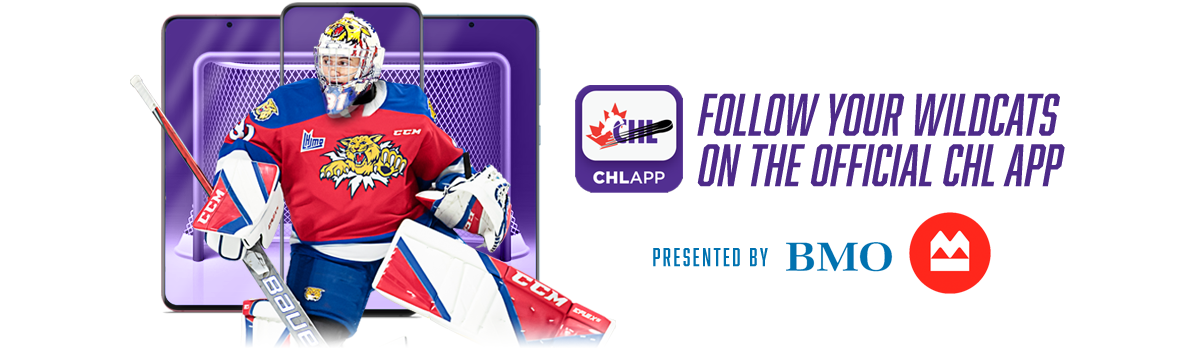
To download the CHL App:
- Go on the Apple App Store, Google Play or Play Store and search for the CHL App.
- Download, install and choose the Moncton Wildcats as your favorite team.
During Wildcats games and special events, you can compete in Live Interactive games within the CHL app for a chance to win a variety of prizes!
To access our Live Interactive games:
- Click on the side bar on the upper left of your screen.
- Click on the button “Live Interactive.”
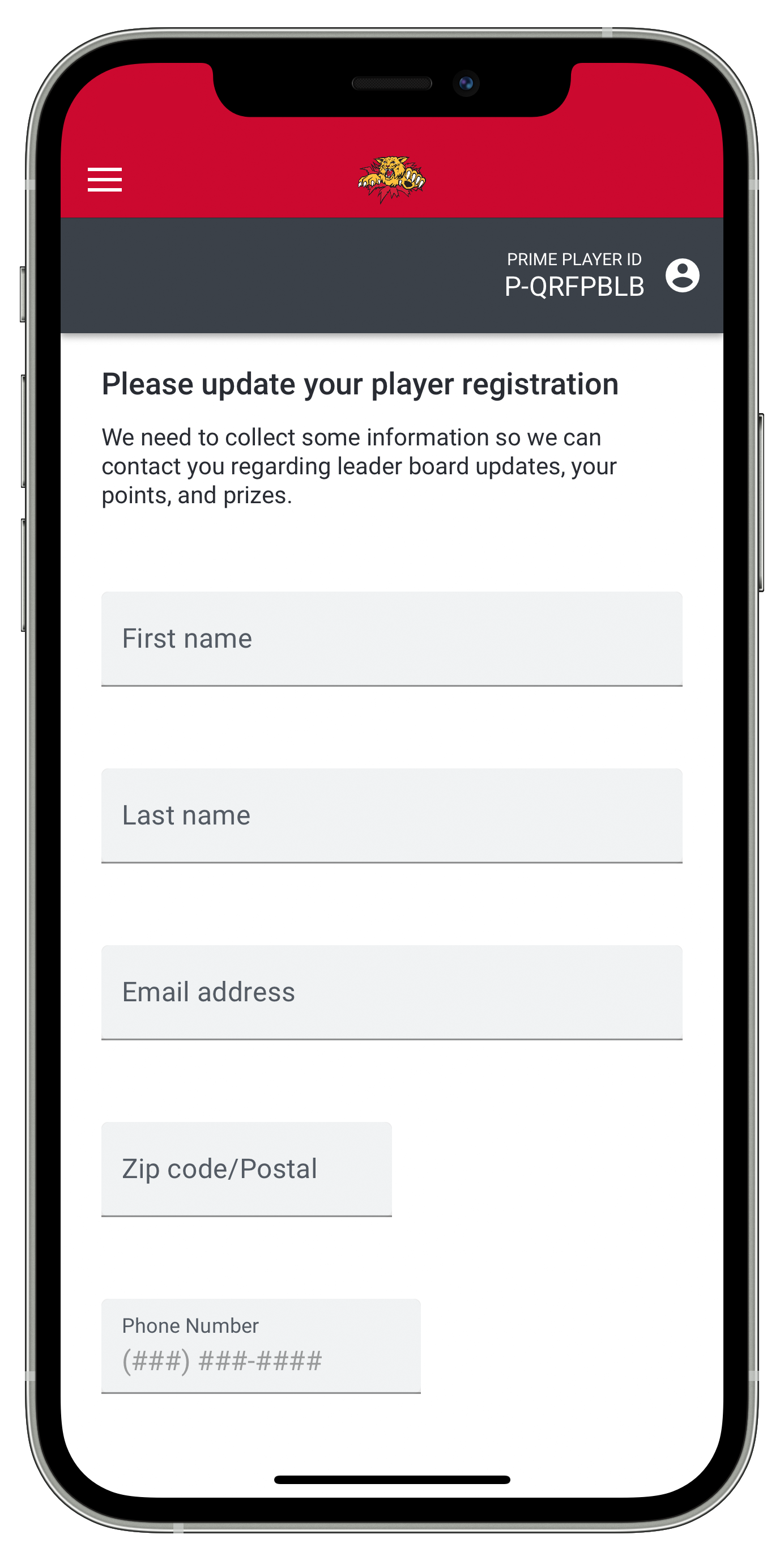
Create a Prime Player account:
- We need to collect some information so we can contact you regarding leader board updates, your points, and prizes.
- The CHL app will automatically remember your account all season long, as long as you connect with the same device.
 |
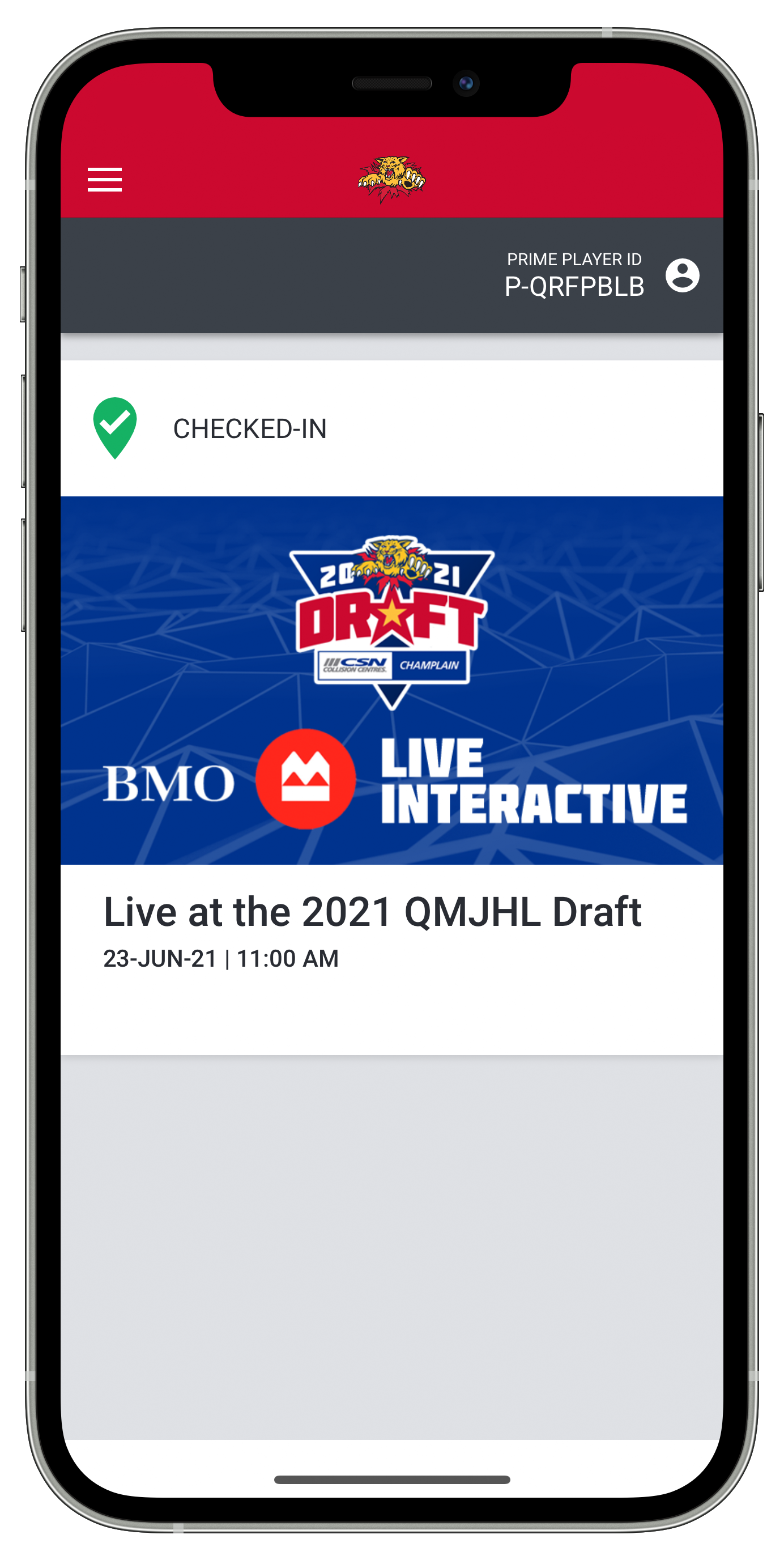 |
After registering for a Prime Player account, you’ll stay logged-in on your device!
 |
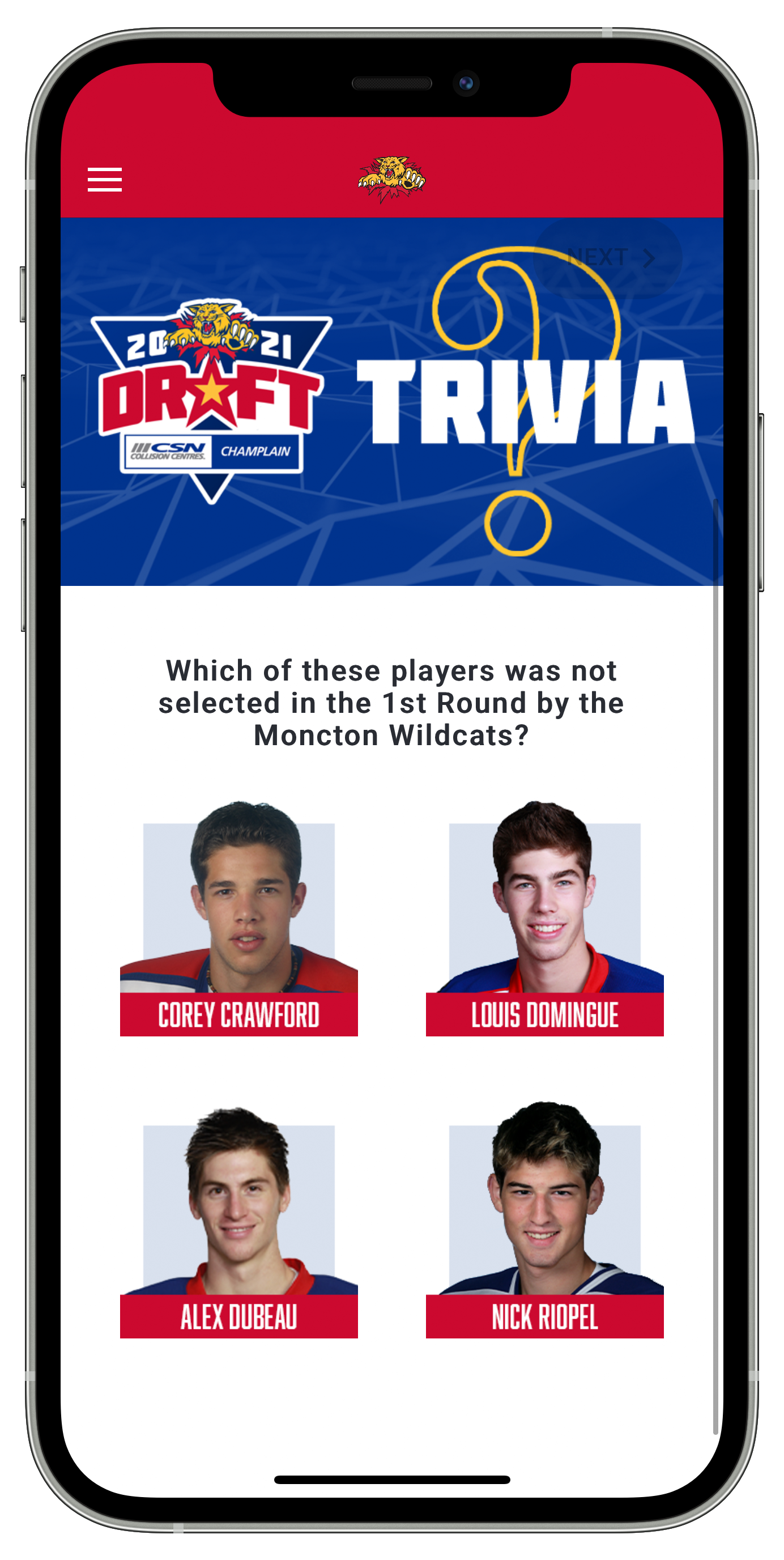 |
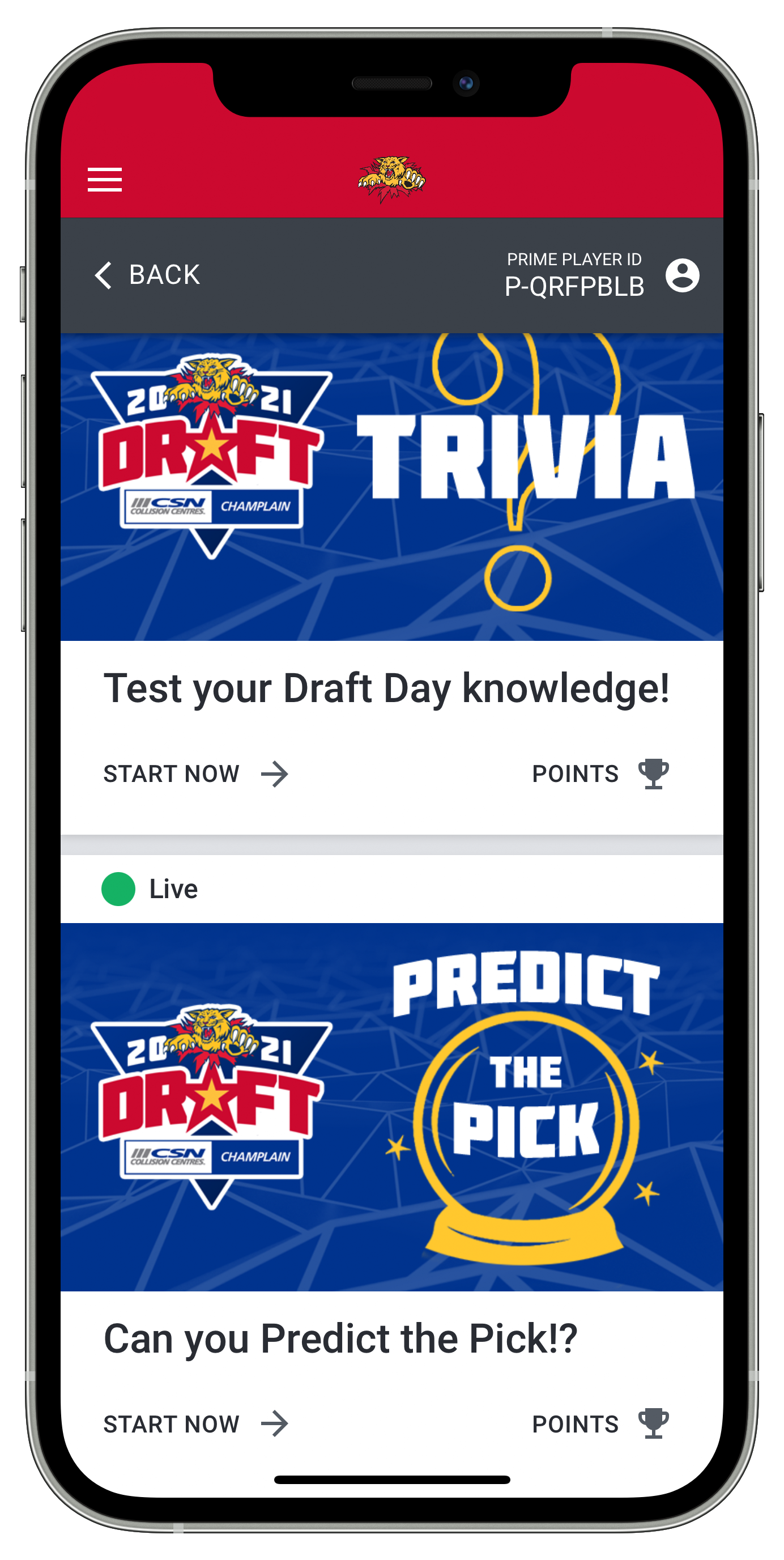
Our Live Interactive games have been updated with a new look and new features!
You can look forward to a leaderboard to monitor your results against other fans
and how your predictions have faired!
For questions or technical support regarding Live Interactive games, contact us at [email protected]